
Manage statistical report
-
1
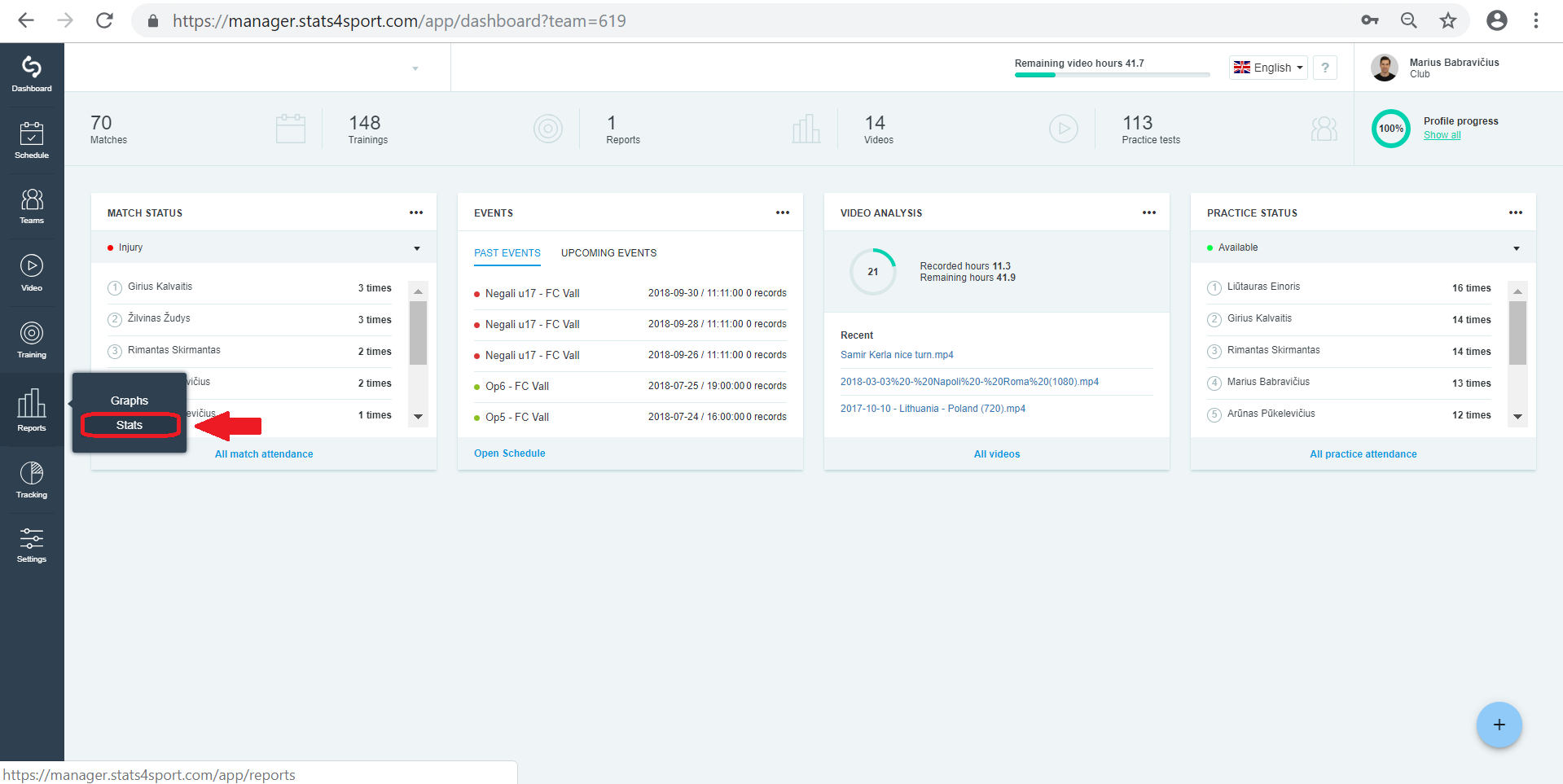
Go to "Reports" menu on the left. Choose "Stats".
-
2
Choose report you want to manage. Press on it to get inside report.
-
3
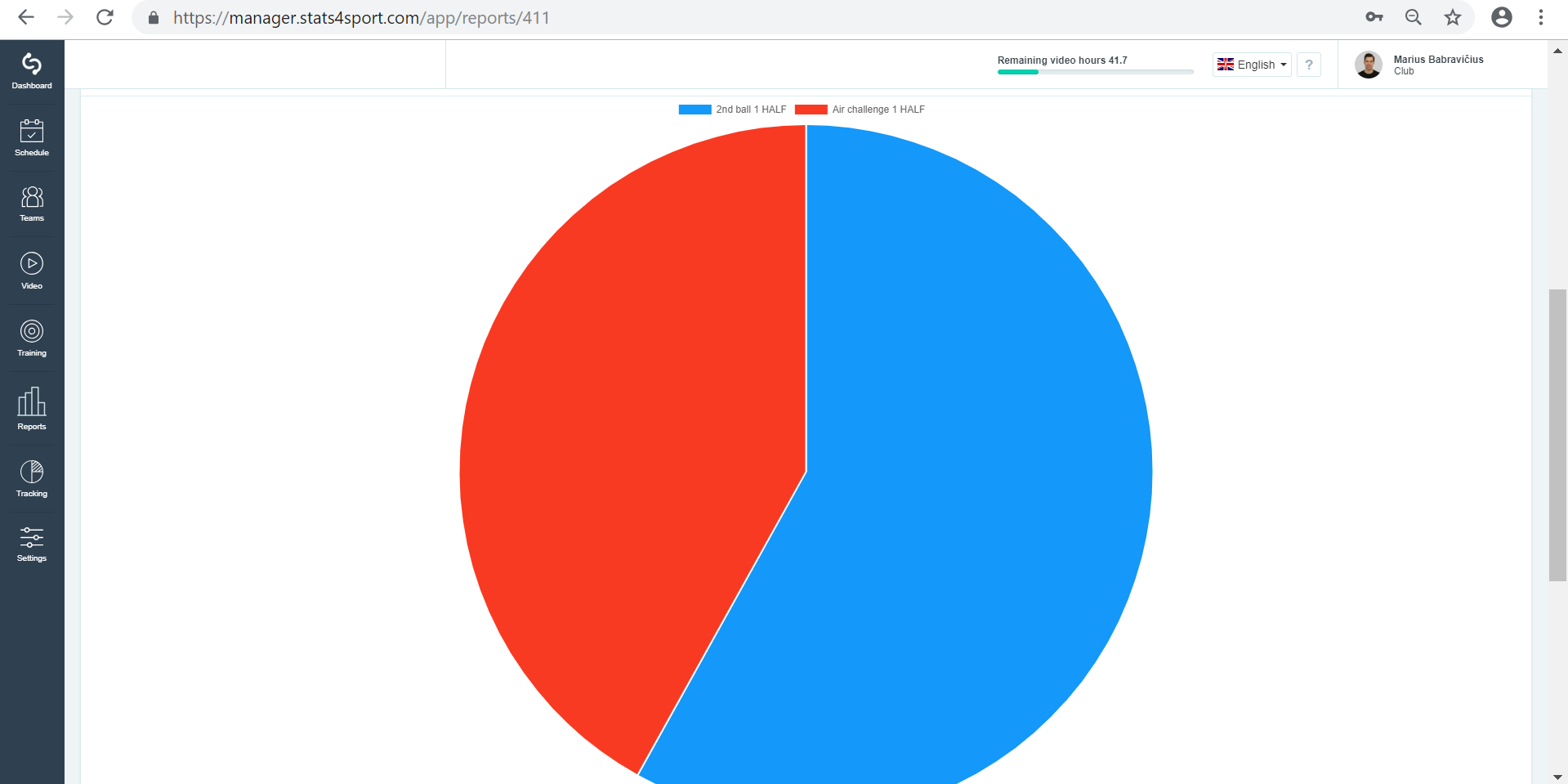
Choose one of your added charts. By pressing on red or blue color you will be sent to those actions from video analysis.
Still need help?
Tell our support team where you got stuck. Include the guide title so we can help you faster.
Contact support