
Video settings icons
-
1
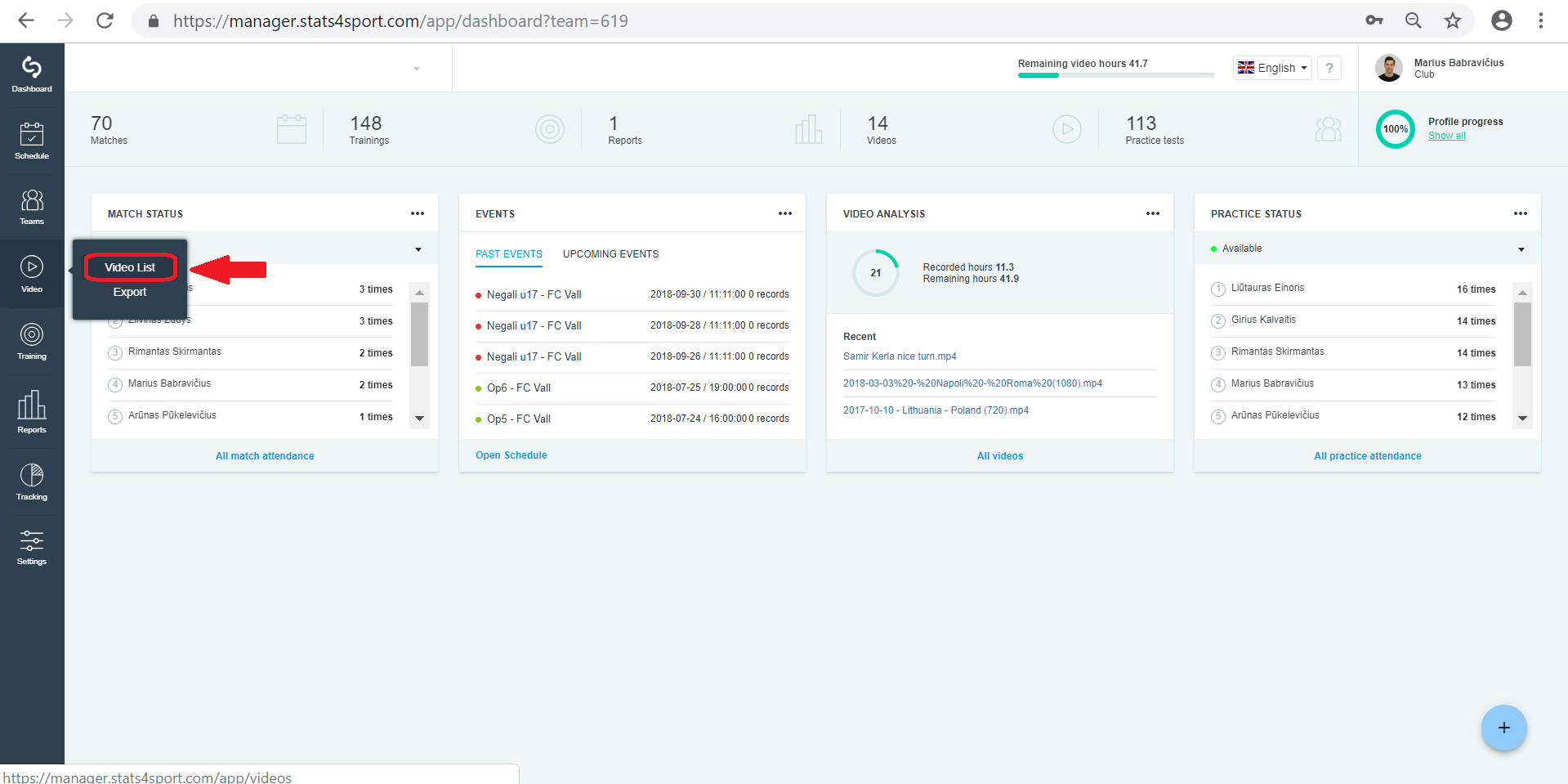
Go to "Video" menu on the left. Choose 'Video List".
-
2
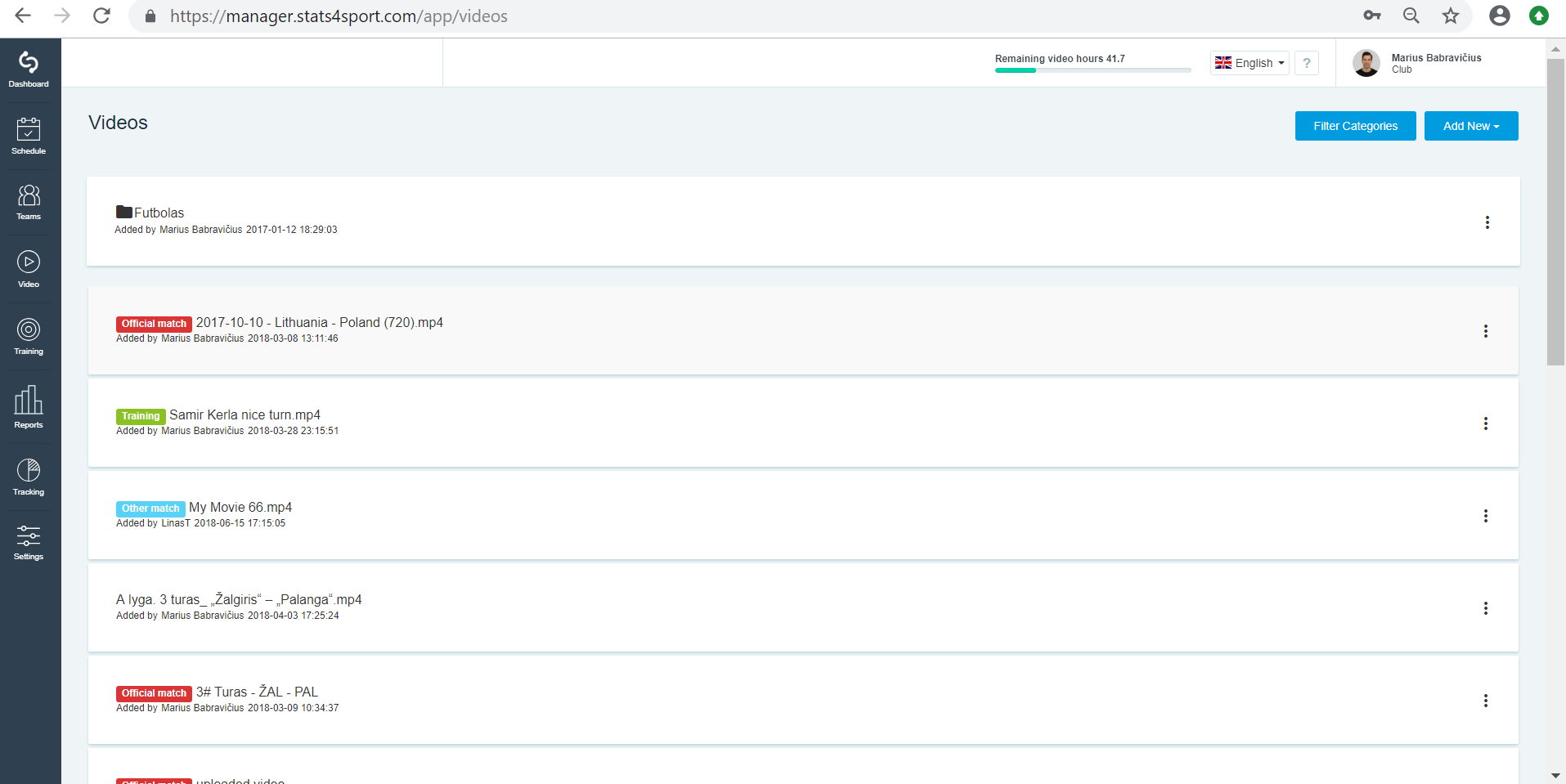
Choose video from your list you want to analyse and press on it.
-
3
While video is playing move your mouse to find video settings line on the right down corner.
-
4
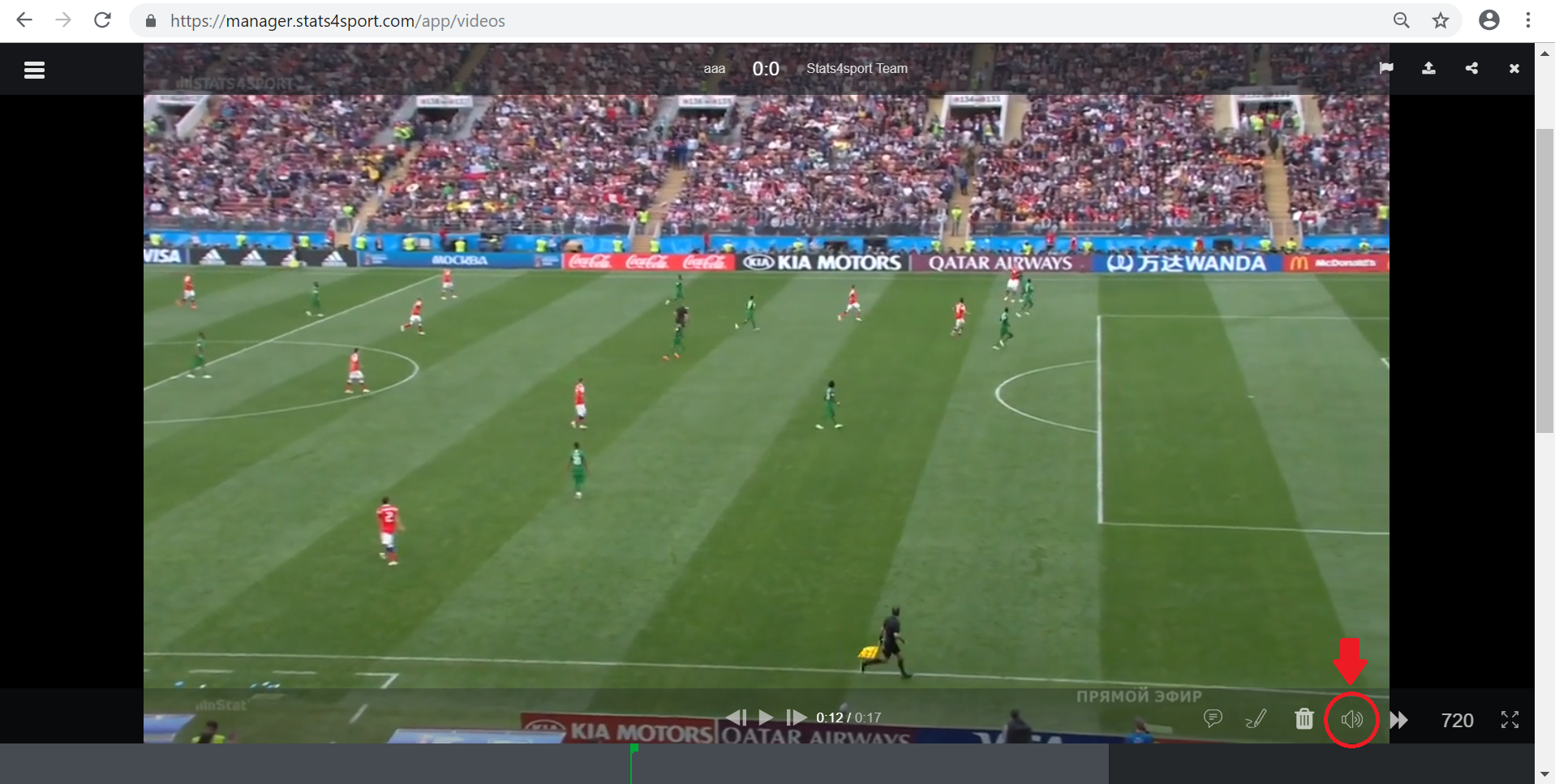
Choose volume icon to get more or less volume on video.
-
5
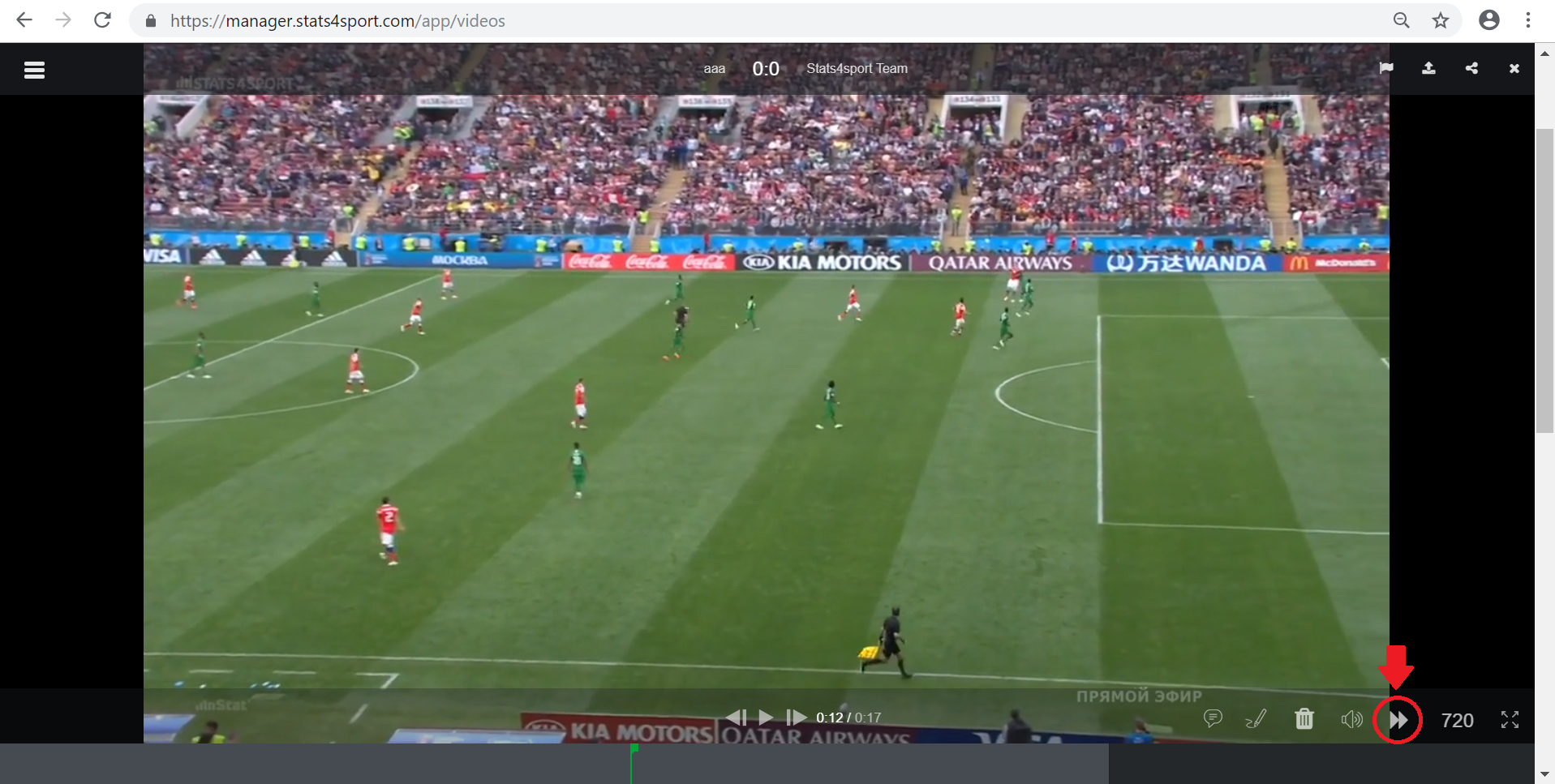
Choose speed icon to watch your video faster or slower.
-
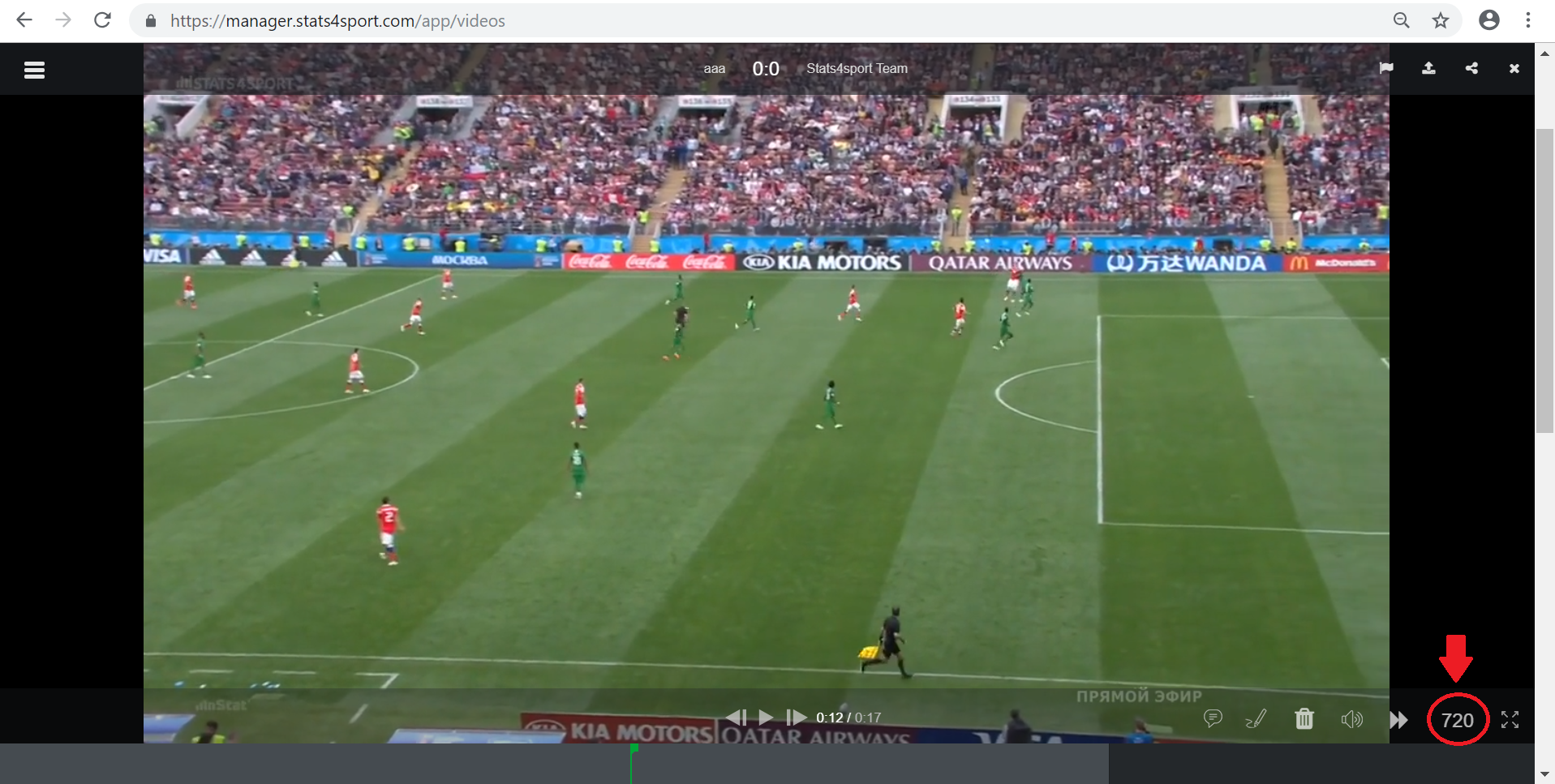
6
Choose quality icon to watch video better or lower quality.
-
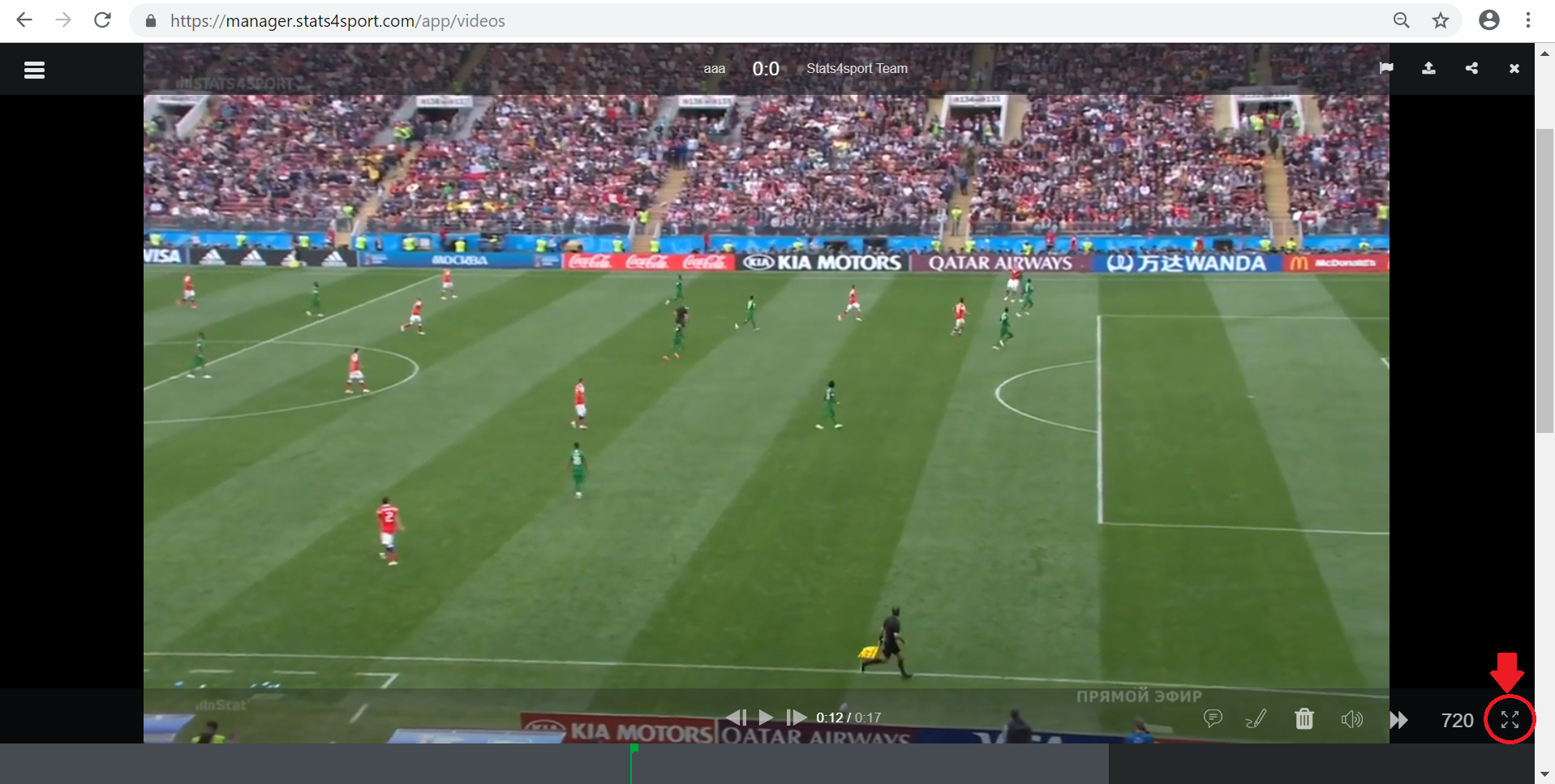
7
Choose full screen icon to watch and analyse video in full screen.
Still need help?
Tell our support team where you got stuck. Include the guide title so we can help you faster.
Contact support