
Add test result
-
1
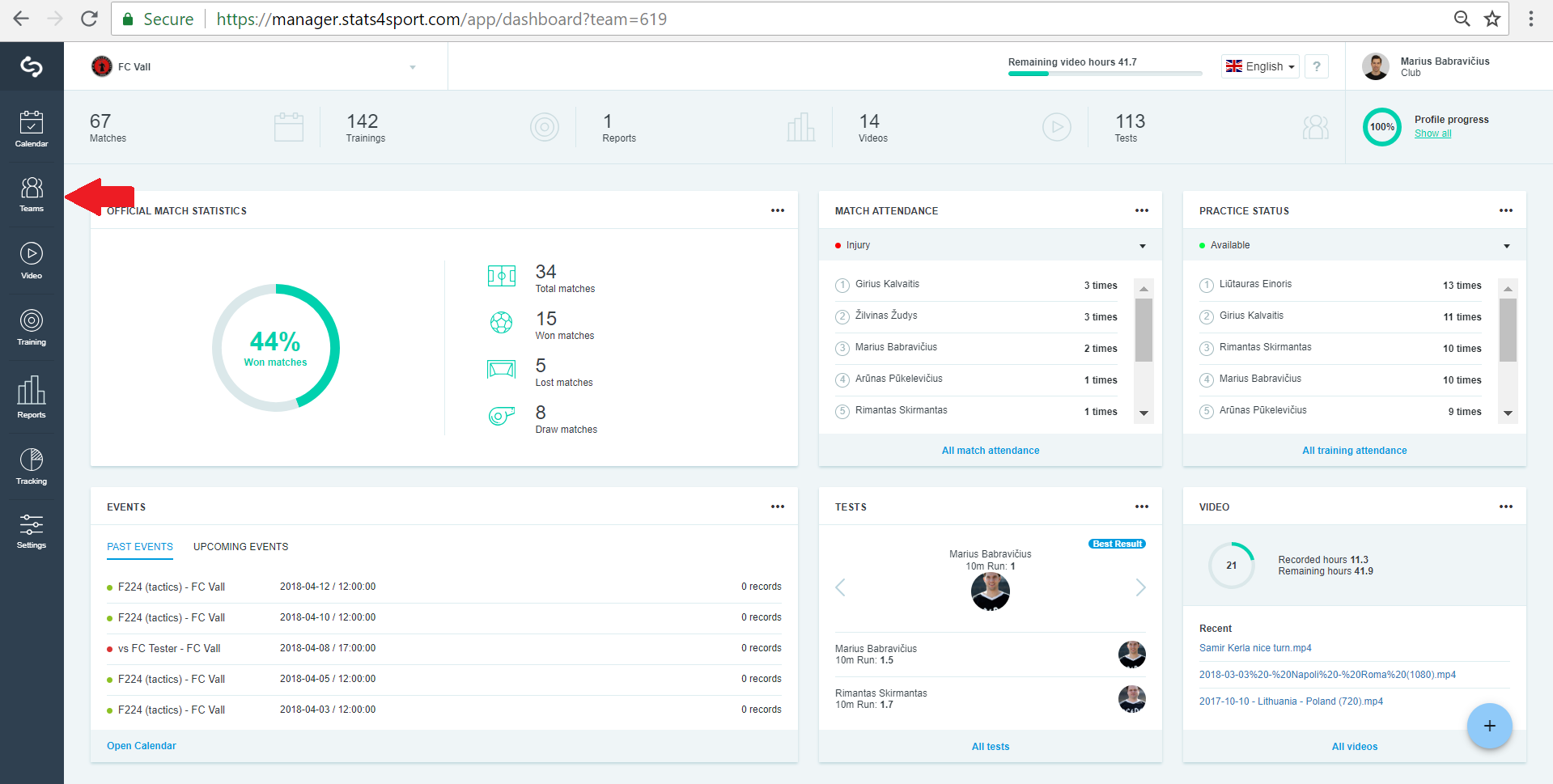
Go to "Teams" from Menu bar on the left.
-
2
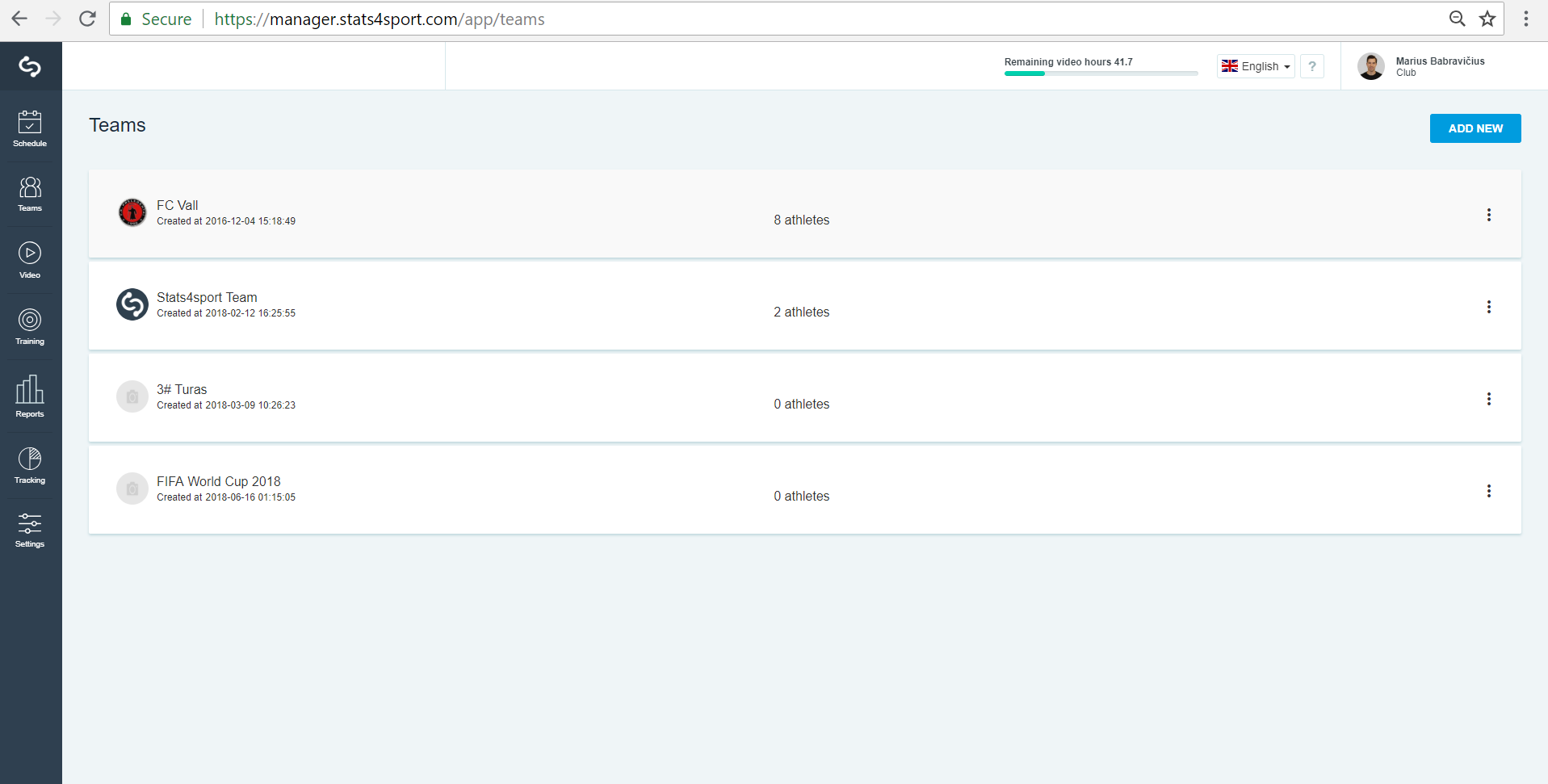
Choose the team from the list.
-
3
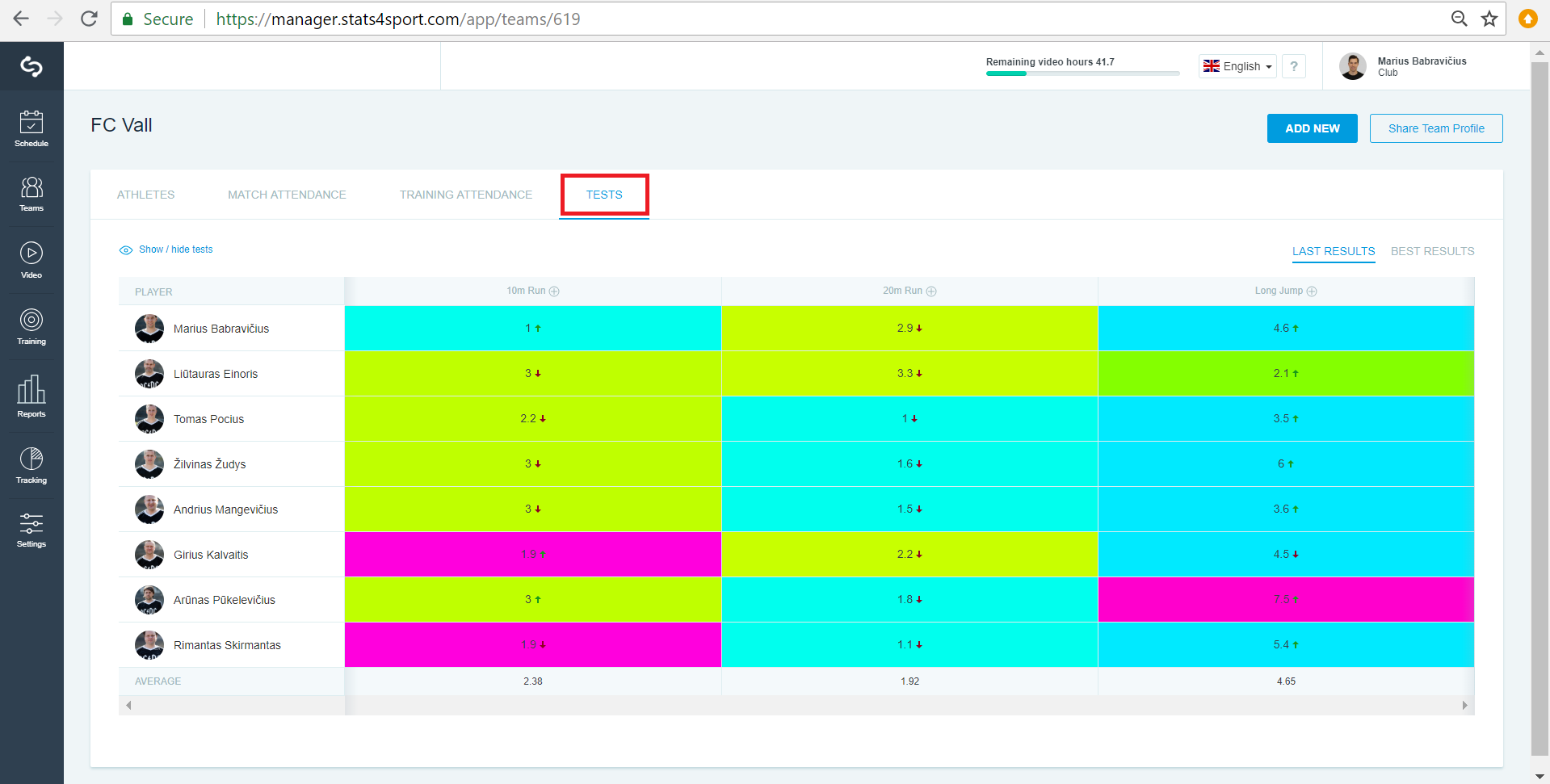
Press "Tests".
-
4
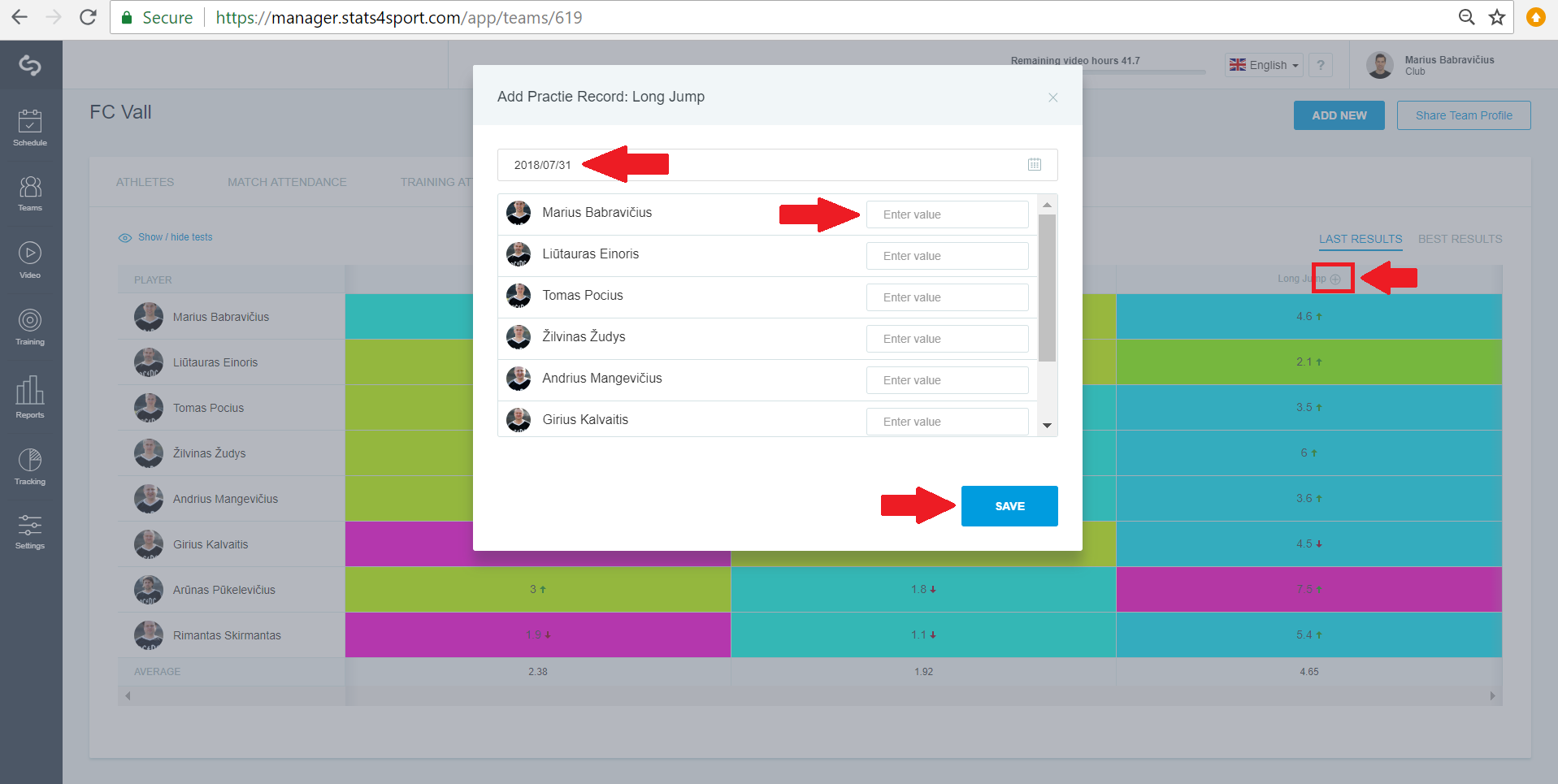
Press "+" on the test name, enter date, value for the players and click "Save".Press "+" on the test name, enter date, value for the players and click "Save".
-
5
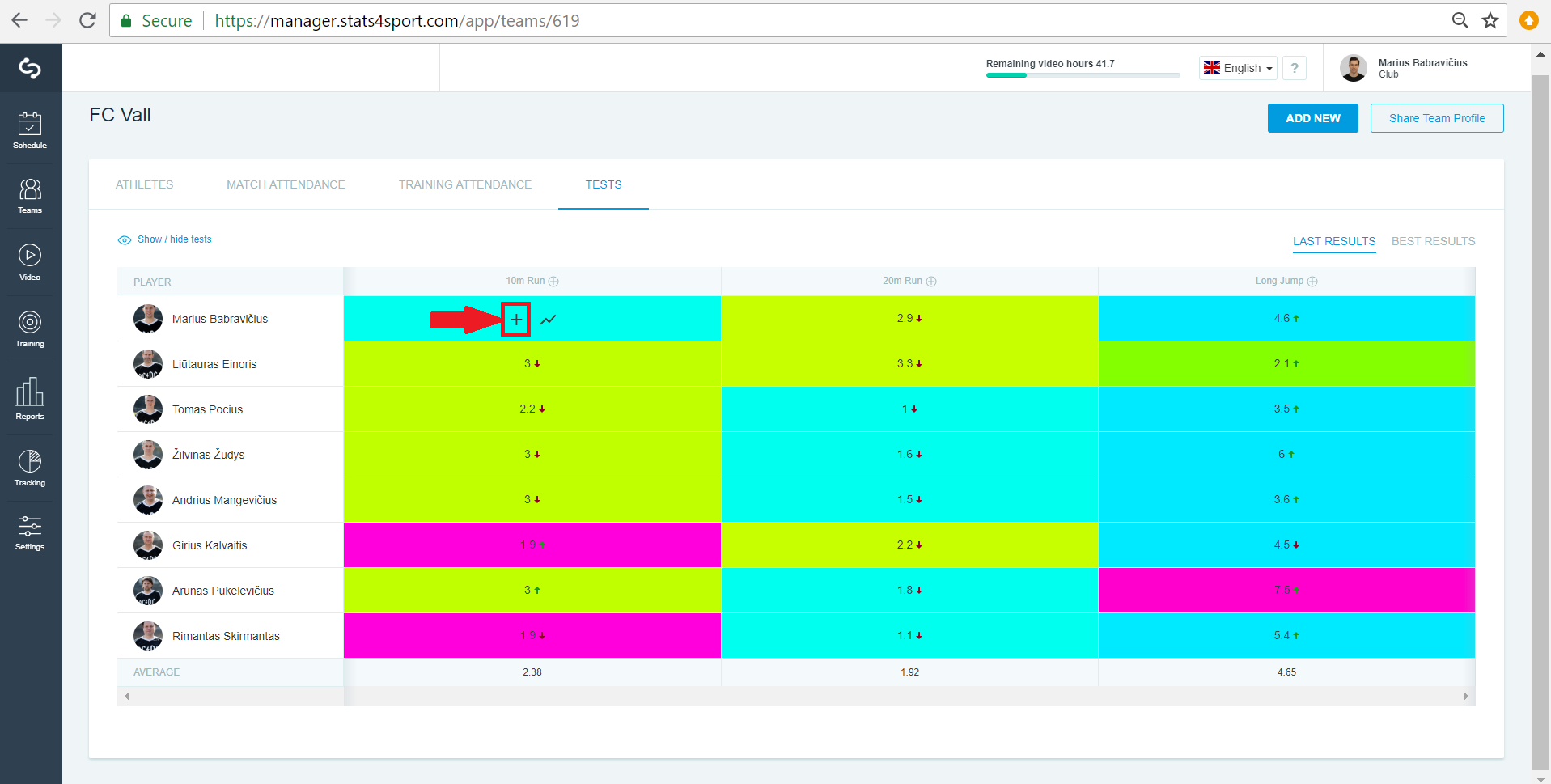
Or take computers mouse arrow on each players test result, find "+" and click it to add test result for each player.
-
6
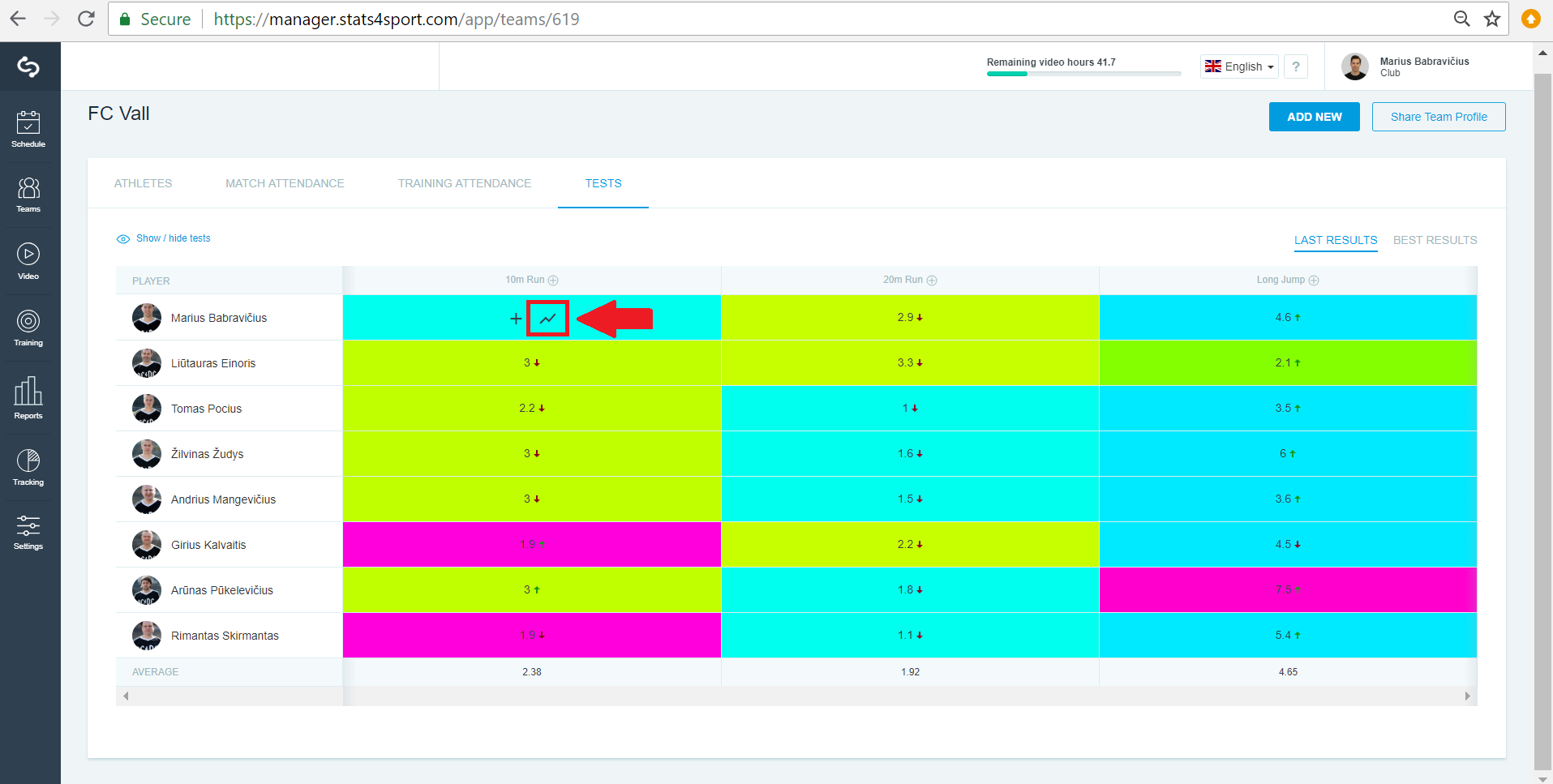
Take your computers arrow on each result, find arrow and click on it.
-
7
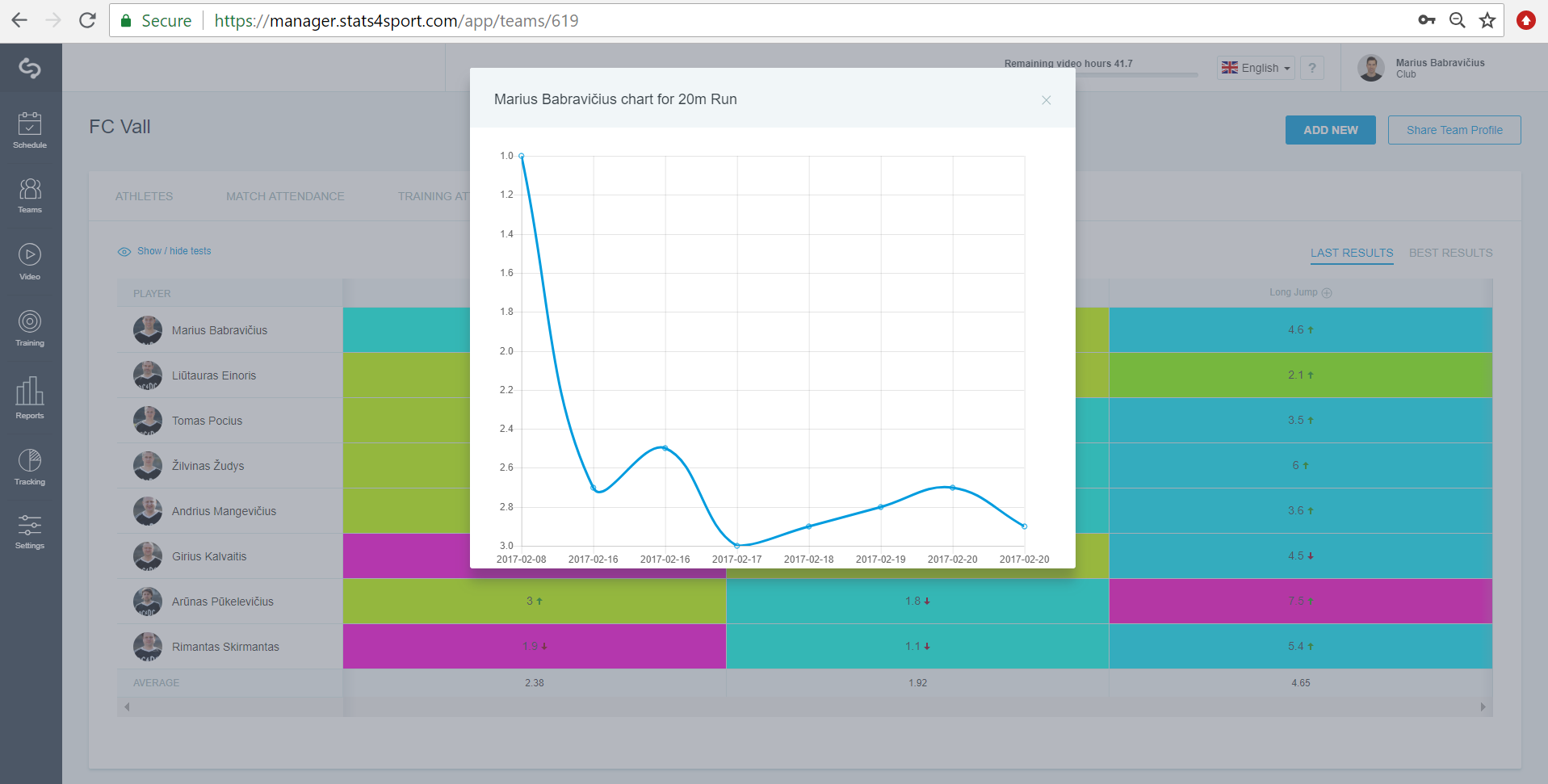
This is all players results of this test.
Still need help?
Tell our support team where you got stuck. Include the guide title so we can help you faster.
Contact support